AI Log Analysis: Practical Lessons from Using AI to Understand Build Systems
Chapters
Is your team losing countless hours copying and stitching together scattered log files? Are your AI models failing to identify root causes due to excessively long, convoluted, and repetitive logs across multiple systems?
If so, this post explores the log ingestion patterns and key lessons we learned from constructing an automated build reasoning system on top of Evergreen utilizing the AI agents with evergreen-mcp-server.
A Problem of Copy-Paste?
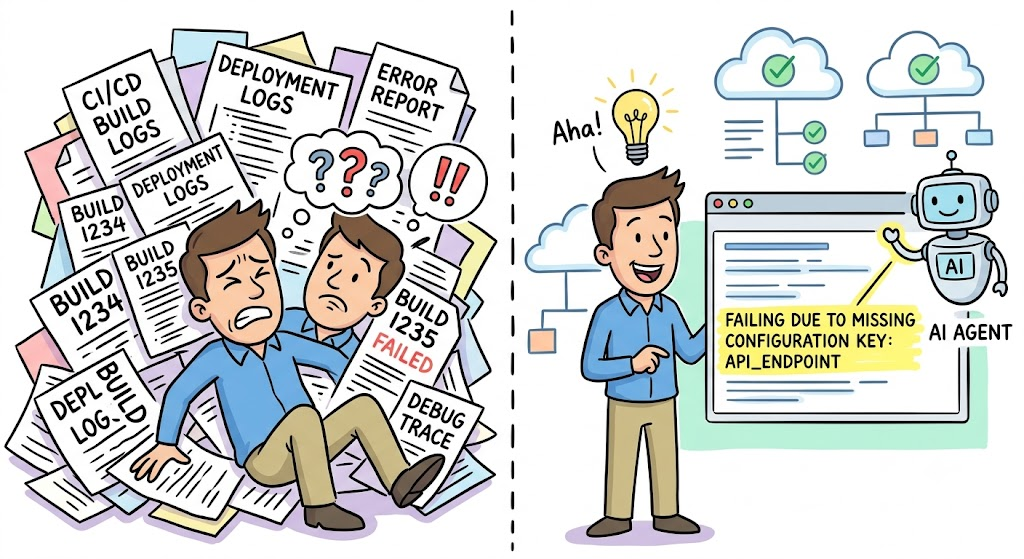
Investigating CI/CD failures and uncovering root causes remains one of the most widespread and costly hurdles in modern engineering. Historically, automating the investigation process has proven difficult because the generated output is incredibly noisy, highly volatile, and challenging to aggregate efficiently — at least for me and other engineers I work with.
Failure investigation friction point surfaces in nearly every engineering ecosystem. When builds collapse under the weight of performance bottlenecks or test regressions, engineers are trapped in a monotonous manual cycle: toggling through CI/CD interfaces, drilling into isolated tasks, and aggregating fragmented log outputs. Whether your stack depends on Jenkins, GitHub Actions, or Evergreen — the internal system we scaled at MongoDB — the drain on productivity and the repetitive nature of the investigation remains constant.
Case Study: Evergreen

MongoDB originally developed Evergreen, an open-source build system designed to manage extensive test and build workloads across diverse architectures and operating systems. In environments where full validation can span several hours if executed serially across multiple virtual instances and nodes, rapid and dependable investigation becomes just as critical as execution speed itself. To support these daily demands, its native S3 integration can handle almost unlimited log sizes across millions of tasks that Evergreen instances can handle daily.
This underscores a broader fundamental reality: as validation and platform evaluation systems scale, the primary bottleneck transitions from merely executing jobs to interpreting their results reliably.
Automated Insights for Developers from Platform Engineering
Imagine the routine of an engineer handling several daily patches — typically, when a build or test suite fails, the diagnostic signal is contained within their personal context and easily resolved.
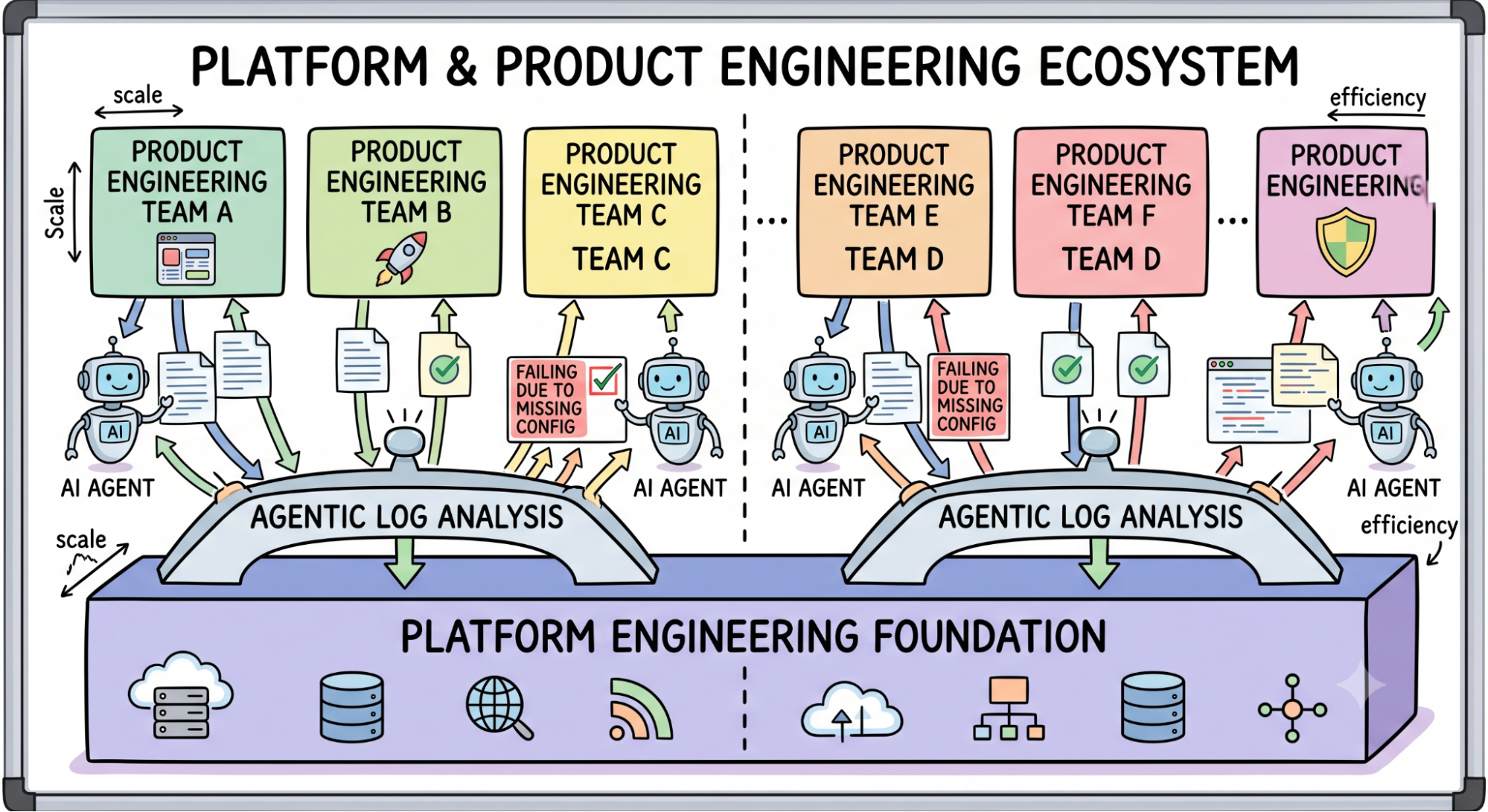
However, within an ecosystem like Evergreen, which manages a variety of build workloads, teams can potentially face a stream of failing tasks coming from platform engineering or widespread system tests.
The hurdle evolves from basic debugging into a critical need for high-speed reasoning and automated triage. When manual analysis stalls productivity we need a systematic method for log interpretation. Method quickly becomes a fundamental requirement rather than an optional luxury.
Platform engineering teams can bridge this gap by providing automated insights into cross-cutting issues like API performance or standard compliance. Developers require immediate, low-friction summaries regarding root causes, paired with direct references to internal documentation to accelerate resolution.
This specific point of friction motivated the creation of the Evergreen MCP and the refined automation strategies aimed at converting volatile raw logs into focused, agentic intelligence.
Universal Log Reasoning: Collect and Merge Logs?
The initial impulse when applying AI to engineering is straightforward: upload every available log and demand an explanation.
While this might suffice for trivial scripts, it fails fundamentally when confronted with the complexity of large-scale continuous integration systems. Extensive build, validation, and benchmarking logs are inherently volatile and noisy. They are often saturated with redundant failure patterns, secondary symptoms, environmental chatter, and exhaustive retries — vast amounts of data that are technically connected but provide zero diagnostic value.
Frequently, the concluding error represents merely the final visible casualty rather than the actual root cause. The meaningful signal is often buried much earlier in the execution flow or fragmented across various distributed tasks. Consequently, the primary design objective should shift away from:
“How do I maximize log ingestion into the model?”
Instead, it must focus on:
“How can I prevent loading raw logs into the context window until it is strictly required?”
Log Processing - Structure Before Reasoning
A better workflow gives the agent structured signals first, and raw text second.
Instead of pasting entire files into context, the system should expose smaller answers:
- What failed?
- Does it matter in this context?
- Which failures are probably duplicates?
- What is the root cause? Are there cascading failures?
- Where does the first meaningful failure signal appear?
- Which log sections are diagnostic and which are mostly noise?
- What minimum evidence is needed for the next step?
Adopting this focused methodology ensures the model remains grounded, preventing hallucinations or context dilution often caused by overwhelming token volumes. Ultimately we talking about meta skill to manage and reason about general build information, combined with ability to fetch relevant context from each individual job when needed. The agent evolves into a strategic coordinator that pulls only relevant data slices, summaries, and correlations when needed. Results can be predictable.
Why MCP Helps
The Model Context Protocol (MCP) gives AI assistants a structured way to call tools instead of pretending that every problem should be solved from pasted text alone. In the Evergreen case, the MCP server stays read-only, and exposes a focused set of commands for build investigation, such as listing recent patches, listing failed tasks, and fetching targeted task logs. Usage of CLI tools like evergreen is also possible, but MCP provides a structured and efficient way to interact with the build system reducing risks of AI hallucination on specific CLI commands and workflows.
That design matters because it keeps the interaction narrow. The agent can ask for metadata, identify candidate failures, and then retrieve only relevant log slices instead of blindly importing the entire diagnostic surface. This is the same pattern many teams could apply to Jenkins or GitHub Actions without changing their CI platform at all. The useful innovation is not replacing the build system — it is adding a thin layer that helps an agent navigate it efficiently.
Team-Specific Skills Repository for Agentic Log Understanding
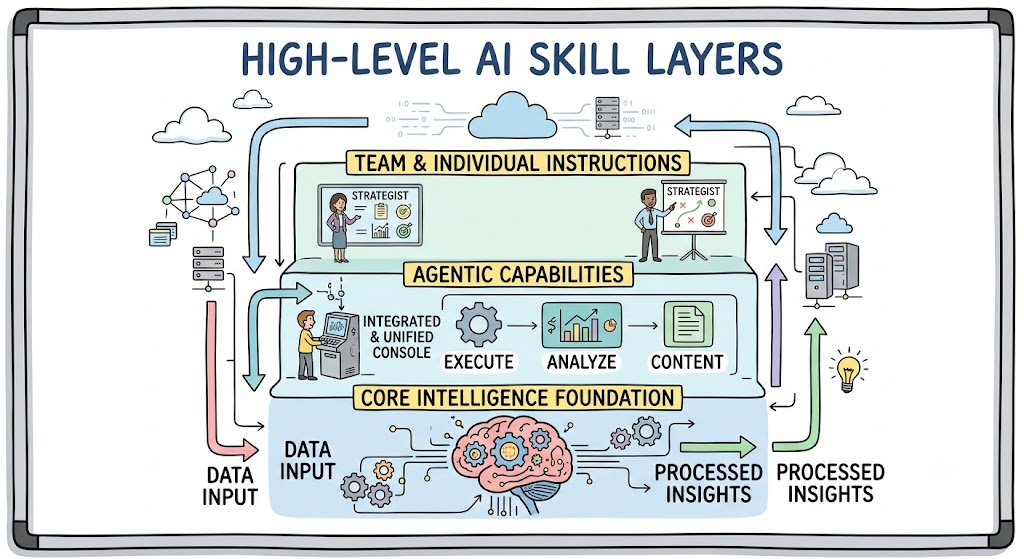
Interpreting diverse diagnostic outputs requires specialized heuristics that standard, off-the-shelf LLM prompts simply cannot deliver. By establishing a team-specific skills repository, platform engineers can transform their unique operational expertise into modular, reusable agentic capabilities. For instance, a squad overseeing an API gateway might deploy a dedicated skill designed to navigate rate-limiting schemas and standard compliance validations with surgical precision.
The most effective workflows avoid the trap of universal, oversized prompts; instead, they thrive as an evolving ecosystem designed to scale system capacity through targeted use cases.
In a real-world engineering environment, the core prompt is enhanced by granular, repeatable skills rooted in a team’s specific reality: triaging regressions, benchmarking execution runs, and isolating pertinent artifacts to distill root causes. Initial implementations using the Evergreen MCP demonstrate that focused, narrow commands for failure classification are far more effective than requesting a generic resolution for complex CI bottlenecks.
Platform teams can curate specialized skills for API analysis or validation suites that provide immediate, agentic insights. These automated tools can proactively surface internal documentation when human intervention is necessary, ensuring that the model’s reasoning remains strictly grounded in the team’s actual operational context.
General Lessons?
The broader lesson for teams using Jenkins, GitHub Actions, or any internal CI is simple. Start with the most repetitive build-investigation tasks and document failure modes. Look to make builds more granular for shorter logs and easier to reason about. Do not begin by asking a model to “fix build”. Use narrow and targeted tool calls and helper workflows that reduce navigation, deduplicate failures, and return only the signals that matter.